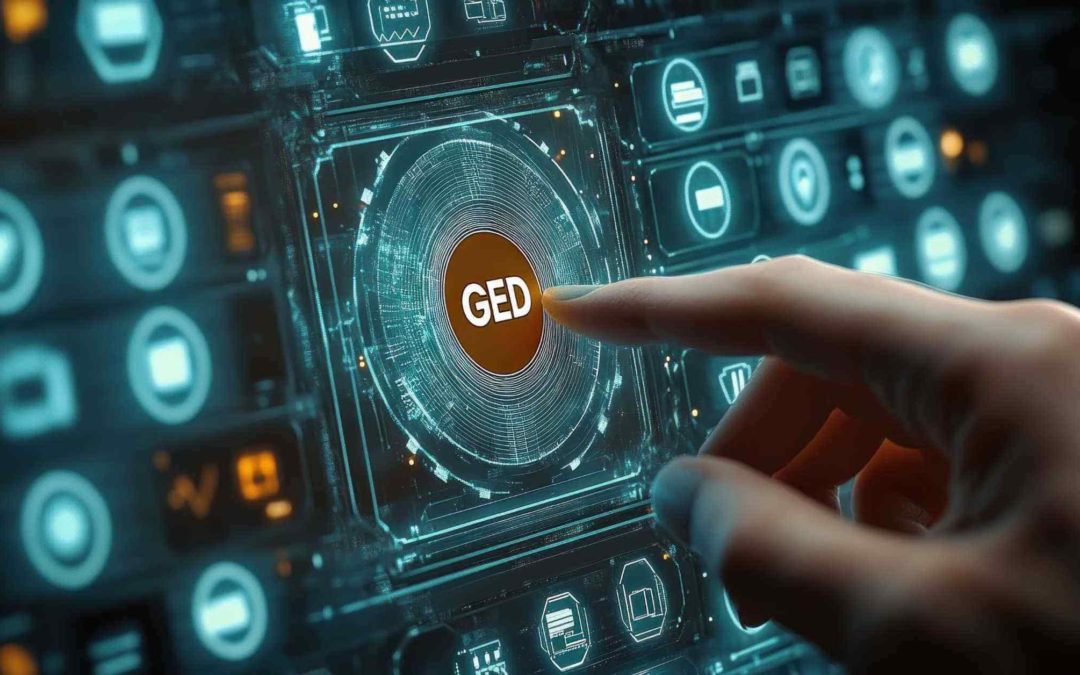
A well-organized library, where every document is in its place, accessible in an instant, with no risk of loss or damage? That’s exactly what EDM (Electronic Document Management) software provides—an essential tool for document management in businesses.
No more rummaging through paper files or wasting time trying to find a misplaced document. Thanks to digitization, all data is stored, organized, and secured in a centralized digital system. Technical drawings, invoices, contracts, HR documents… everything is structured and accessible according to defined access rights. Let’s take a closer look at how to choose the best solution for your business and take full advantage of electronic document management.
What is EDM?
Electronic document management refers to a computer-based document management system that enables companies to digitize, organize, store, share, and secure their digital files.
This type of solution replaces traditional paper-based document management by offering advanced features such as automatic indexing, quick search, version control, and access rights management. Electronic document management software streamlines document workflows and improves productivity, since all essential information is available on a single platform, accessible to employees based on their permissions.
How can you optimize document management?
Optimizing document management relies on several key factors: automating processes, structuring workflows, and centralizing document management. Here are the key steps to achieving this.
1. Centralize document workflow management
One of the main challenges in document management is the fragmentation of files across different departments, platforms, and media (emails, local servers, the cloud, paper, etc.). There are several steps that can help mitigate this risk:
- Implementing document management software: This is clearly the first step a company should take. It requires all employees to consolidate every document into a single, secure, and accessible location.
- Establish clear storage policies and automatically delete unused versions to avoid duplicates and obsolete files.
- Prioritize secure cloud storage.
- Set up a file organization structure with relevant categories and tags to quickly find the files you need.
Thanks to this centralization, teams can access documents more easily and avoid information loss caused by fragmented management.
2. Automate document-related processes
Everyone is talking about task automation. Applying it to document management processes is therefore a no-brainer… and here’s why it’s particularly useful:
- Automatically index documents by extracting metadata (dates, customers, invoice numbers, etc.) using artificial intelligence and OCR (optical character recognition) tools.
- Generate automated approval workflows: for example, an invoice can be automatically sent to a manager for approval without requiring manual intervention.
- Archive documents according to predefined rules: A document can be moved to a specific folder after a given period or deleted once its legal retention period has expired.
- Send notifications and alerts to remind users of important deadlines (contract renewals, document updates, pending approvals, etc.).
3. Organize document workflows
When we talk about workflow, we’re talking about documents that flow smoothly. To achieve this, it’s important to:
- Define approval workflows for documents that require multiple approvals (invoices, contracts, quotes, etc.).
- Assign specific roles and permissions to each user based on their activities.
- Track all changes made to the documents.
- Facilitate collaboration: Add comments, share versions, and sign electronically.
What are the benefits of EDM?
An EDM system means less paperwork and greater efficiency. Here are its key benefits.
Save time with quick, organized access to documents
In many companies, finding a document can be a real headache. Between paper files, files stored on various servers, and emails, it can be a huge waste of time.
With a well-organized document management system, documents are:
- Automatically organized using metadata and a logical tree structure.
- Easily accessible via an advanced search by keyword, author, date, or file type.
- Accessible remotely from any connected device, eliminating the need for constant back-and-forth trips between offices or departments.
Reduction in printing and physical storage costs
Paper-based archiving represents a significant cost for businesses: printing, binders, storage space, and records management. In addition, paper is vulnerable to loss, deterioration, or accidental destruction (fire, water damage).
Thanks to the EDM system:
- Printouts are becoming unnecessary.
- Physical archiving costs are reduced.
- Less office equipment (printers, copiers, paper) = lower expenses.
- Optimized space management: Offices are no longer cluttered with filing cabinets, and the company can save money on renting or purchasing storage space.
Better collaboration between teams thanks to simplified document sharing
Collaborative work is a major challenge for modern businesses, particularly with the widespread adoption of remote work and geographically dispersed teams.
With an EDM system:
- All employees can access documents in real time, without having to wait for a file to be sent by email or uploaded to a server.
- Document versions are synchronized in real time.
- Automated workflows can be set up.
- Built-in annotations and comments facilitate better collaboration among team members.
The TopSolid Suite of CAD, CAM, and ERP Solutions


What are the essential features of an EDM software system?
When choosing electronic document management software, it is important to carefully review the features that will meet the company’s specific needs. Here are the key features to consider before making a decision:
Access Rights Management and Security
Good document management software must ensure data confidentiality and protection. To do so, it must allow users to:
- Define access levels based on user roles (view, edit, delete).
- Manage custom access rights (especially for sensitive documents).
- Implement advanced security protocols (encryption, two-factor authentication, GDPR compliance).
Indexing and Smart Search
Indexing allows documents to be automatically classified:
- Automatic indexing based on file content.
- An advanced search using keywords, metadata, or specific criteria.
- Optical character recognition (OCR) to retrieve information from scanned documents.
Automation of Document Workflows
This feature should allow you to:
- The creation of validation workflows for the automatic validation of documents (invoices, contracts, quotes, etc.).
- Automatic assignment of tasks to the relevant employees.
- Notifications and reminders to prevent oversights in document processing.
Document Archiving and Lifecycle Management
The archiving feature must include:
- Rules for retention and automatic deletion based on the legally required retention period for documents.
- Complete traceability of changes made to and access to each document.
- The ability to organize documents by category, date, and version.
Integration with Other Software
Good document management software should integrate with the tools already in use at the company, such as:
- ERP and CRM systems for seamless data synchronization.
- Office software (Microsoft Office, Google Workspace) for editing files without downloading them.
- Cloud solutions for secure multi-device access.
Ease of Use and Ergonomics
The adoption of an EDM system also depends on how easy it is to use. It is important that it offer:
- An intuitive interface that employees can use without extensive training.
- Clear document organization with customizable folders and filters.
- A mobile version for accessing documents on the go.
Legal Compliance and Regulatory Standards
Document management software must comply with legal requirements for document management, including:
- GDPR compliance to protect personal data.
- NF Z42-013 certification to ensure the legal validity of digital documents.
- Advanced electronic signature management for validating contracts online.
Implementing an EDM system means organizing and securing document management while making day-to-day operations easier. TopSolid’Erp goes a step further by integrating secure storage, precise access control, and advanced revision and distribution management. Combined with a powerful search engine and document links across all processes (sales, purchasing, production, quality, etc.), it offers seamless management that meets business requirements.
Find out how TopSolid’Erp optimizes document management—and much more! Want to talk about it?