TopSolid’Cut: CAD/CAM for Controlled Sheet Metal Fabrication

TopSolid’Cut: CAD/CAM for Controlled Sheet Metal Fabrication

It’s a fact: the industry is becoming increasingly demanding in terms of project deadlines and complexity. Yet, unfortunately, skilled labor is becoming increasingly scarce. TopSolid’Cut was designed to address these challenges and provide sustainable solutions. The tool serves as a catalyst for digital transformation for sheet metal fabrication companies. Learn more.

Sheet metal fabrication and specialized CAD/CAM tools: What are they used for?

While every project is unique, the processes themselves can vary from one client to another. This diversity presents sheet metal fabrication companies with a major obstacle: the proliferation of client file formats (PDF, DXF, STEP, etc.). To complicate matters further, these files are often incomplete or contain incorrect information, forcing technical teams to make manual adjustments and modifications—a process that is not only time-consuming but also carries a high risk of error.

This issue is compounded by a growing difficulty in ensuring digital continuity between the design and manufacturing of parts. However, breaks in the digital chain result in considerable time losses and risks of non-compliance—which are all the more detrimental given that the industry demands a high level of precision.

Finally, despite the custom-made nature of many products, companies express a legitimate need to standardize their product lines and capitalize on their expertise. This standardization has two advantages: process optimization and reduced dependence on individual skills—at a time when the sector is facing a shortage of skilled labor.

See also – Sheet metal workers: What strategies can they implement to remain competitive?

TopSolid’Cut: Industry-Specific CAD/CAM Software Designed for Industrial Sheet Metal Fabrication

A complete digital workflow, from design to cutting

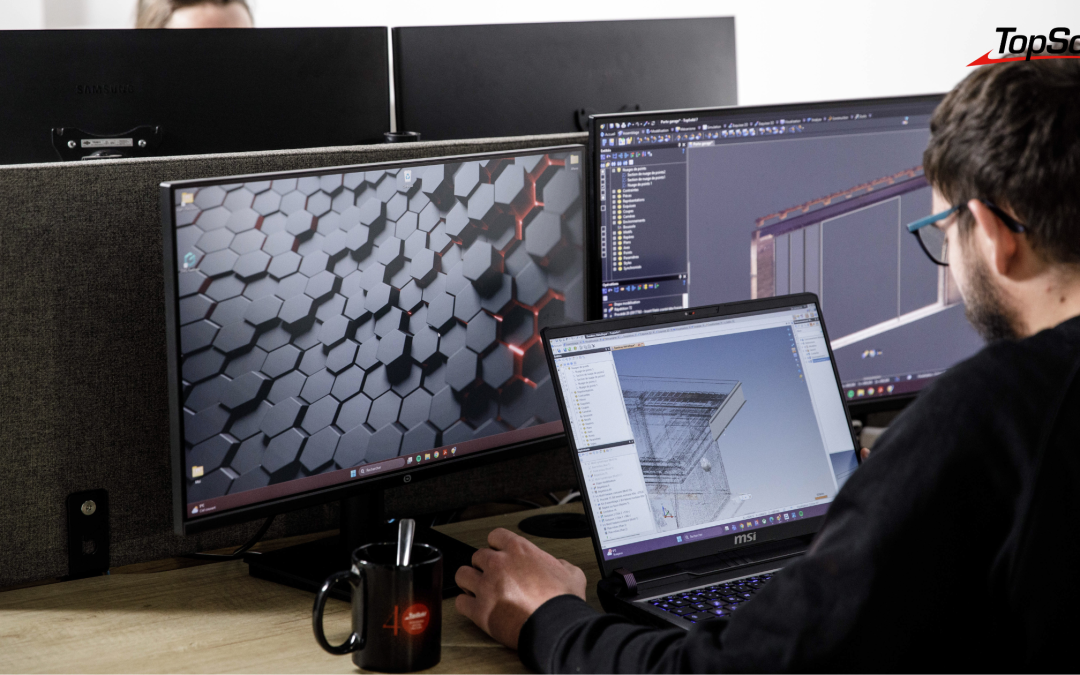
TopSolid’Cut offers a unified environment that supports the entire sheet metal fabrication process: design, flattening, nesting, and cutting are linked together in a continuous digital workflow. This integrated approach eliminates the traditional gaps between the different stages, which are a source of wasted time and errors.

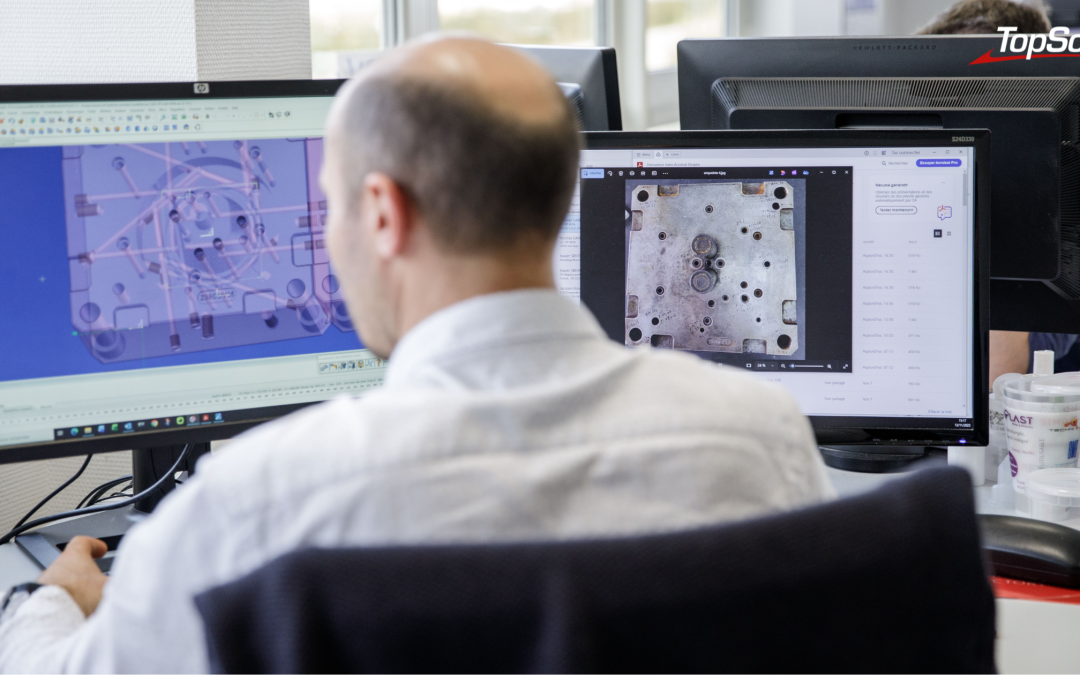
Intelligent customer file recovery transforms a recurring challenge into an operational advantage. Automatic stitching reconstructs fragmented geometries, while sheet metal conversion via thickness recognition processes input data autonomously. Automatic identification of bends and deformations rounds out this system, allowing operators to focus on value-added tasks.

As for the interface, which is designed for field operators, it prioritizes intuitiveness without sacrificing functionality. The customizable post-processors also ensure direct integration with all cutting and punching machines in the workshop, guaranteeing compatibility with your existing and future equipment.

Flexibility in file processing and design

While the variety of customer file formats can be a major obstacle, TopSolid’Cut addresses this issue. And for good reason: the solution natively supports commonly used neutral and proprietary formats, such as DXF, STEP, IGES, and Parasolid. This broad compatibility eliminates format constraints and ensures seamless integration with the software ecosystems of your customers and partners.

In terms of design, the creation of sheet metal parts from simple or complex surfaces can be adapted to any scenario, whether the parts are derived from third-party systems or designed directly within the TopSolid environment. The flattening process—for both solid and wireframe models—maintains associativity with the 3D models, ensuring data consistency throughout the design evolution.

Automating repetitive tasks and ensuring reliable cuts

Automation is the foundation of modern industrial efficiency. TopSolid’Cut addresses this challenge with a comprehensive approach that covers the entire manufacturing process, from job planning to machine control.

At the heart of the process, automated machining relies on intelligent recognition of special tools and the use of customizable machining macros. This standardization of practices improves the reproducibility of results while maintaining the flexibility required for specific production runs. Similarly, automatic batch unfolding optimizes productivity for large production runs, while automatic recalculation in the event of geometric changes preserves the integrity of manufacturing sequences. This adaptability is essential for meeting the flexibility requirements of modern industrial production.

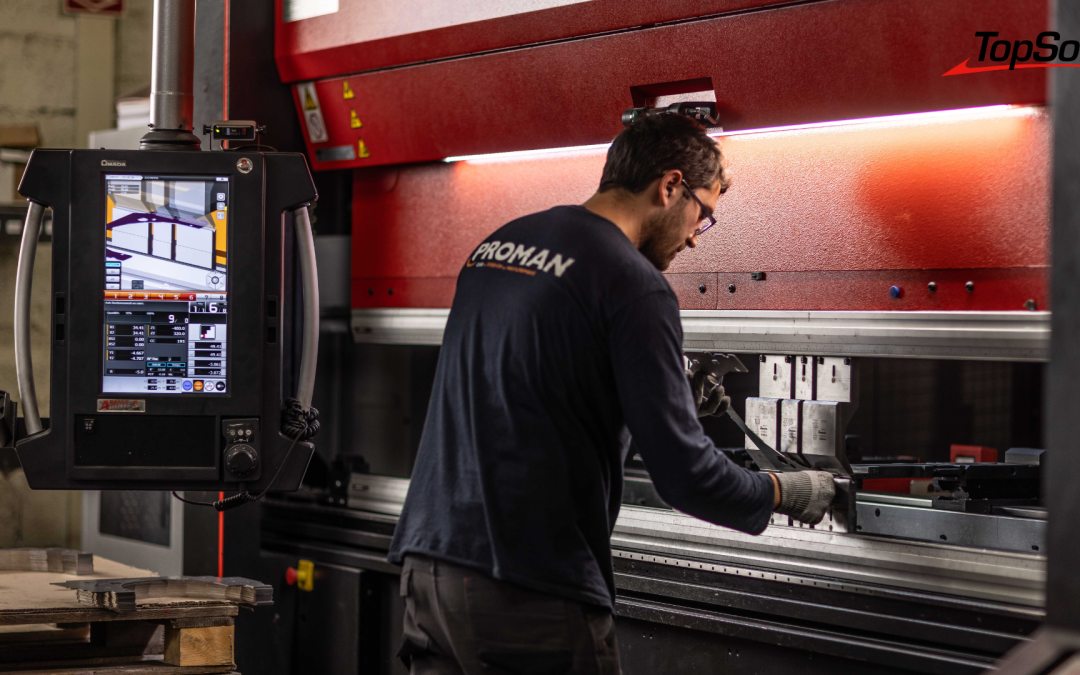
Optimization continues at the machine setup stage. Turret assembly is performed automatically according to defined industry standards or uses predefined libraries to minimize tool changeover times. This systematic approach also enables the automated management of complex cuts—slitting, common cutting, shearing—based on predefined production parameters, drastically reducing the need for manual intervention.

Effective management of production constraints is reflected in the built-in control of material removal methods: micro-clips, hatches, unloaders, etc. This consideration of handling constraints optimizes cycle times while improving the ergonomics of workstations. At the same time, nesting benefits from sophisticated algorithms that select the optimal placement, thereby maximizing material utilization. This results in directly measurable cost savings on production costs.

Finally, know-how is capitalized on through the reuse of production sequences, transforming individual expertise into the company’s collective assets. This systemic approach addresses the strategic challenges of skills transfer in a context of a shortage of skilled labor, ensuring the sustainability of industrial performance.

See also – Auto Body Repair: 5 Tools to Make the Industry More Accessible

What are the concrete benefits for your sheet metal fabrication business?

Beyond the technical aspects, TopSolid’Cut generates operational gains that can be directly measured in terms of industrial performance. In fact, there are numerous benefits:

  • up to a 30% reduction in programming time,
  • reduced scrap thanks to precise paths and automatic validation,
  • centralization of parts to be produced, optimized production start-up, and anticipation of machine-side bottlenecks,
  • elimination of the risk of errors through the automatic generation of work order forms and labels,
  • improved traceability through automatic part marking and rigorous version control,
  • smooth production management thanks to native integration with ERP systems,
  • ergonomics designed to help teams quickly develop their skills.

By integrating TopSolid’Cut into your manufacturing process, you’re leveraging a powerful driver of profitability. That’s because adopting a CAD/CAM tool like this for sheet metal fabrication lays the groundwork for creating a virtuous cycle of collaboration, both internally and externally. The result: more productive teams, a greater ability to handle projects with varying geometries, and satisfied customers.

Want to discover how TopSolid’Cut can transform your production? Our technical advisors are here to help. Request a demo!

Transforming Craftsmanship and Woodworking with CAD/CAM Software

Transforming Craftsmanship and Woodworking with CAD/CAM Software

While machining is an essential technique at the heart of woodworking, technology allows us to preserve its precision—and even refine it. This is why the use of CAD/CAM (Computer-Aided Design and Manufacturing) software is so important; it brings craftsmanship into the realm of industry without compromising the essence of time-honored expertise. Let’s take a closer look at the coexistence of tradition and modernity and at how digital technology is revitalizing woodworking trades.

What is woodworking?

Machining involves the use of machines and tools to cut materials such as metal, plastic, or wood. This technique is a subtractive process, meaning that machining shapes parts by removing successive layers of material. The goal is to give the part a very specific shape. The cut parts are then used to manufacture objects or assemblies of all sizes, ranging from accessories to furniture, architectural components, and interior design modules.

In terms of application, wood machining requires adjusting the cutting speed based on the type of wood product or even the species of wood being machined, although the process is generally fast. The goal is to achieve a clean cut and prevent the wood from burning. For example, machining a softwood such as fir will require a rotational speed of over 18,000 revolutions per minute, depending on the diameter of the tool used.

The Benefits of Using Wood Cutters

Milling cutters designed for woodworking offer enhanced precision, enabling clean and consistent cuts. They deliver superior cut quality, ideal for decorative or functional profiles. Thanks to their design, they provide reliable repeatability, ensuring consistent results from one piece to the next. Using these cutters also increases production efficiency by reducing machining times and labor requirements. In short, they are essential for producing high-quality parts while improving workshop productivity.

All of these advantages, when combined, make wood machining a particularly reliable technique compared to traditional methods. The latter do, in fact, have certain limitations, particularly in terms of time constraints, efficiency, and complexity. The goal here is to optimize the manufacturing process to make the work of artisans and manufacturers easier.


The TopSolid Suite of CAD, CAM, PDM, and ERP Solutions

When CAD/CAM Software Transforms Woodworking

Support for Wood Machining in CAD/CAM Software

Woodworking is getting a boost from CAD/CAM software, which allows users to create detailed and realistic 3D models. These tools also make it possible to integrate design and manufacturing by supporting various key steps:

  • visualizing the final piece before starting the work;
  • correcting design errors before manufacturing begins;
  • taking into account the various factors related to the means of production;
  • calculation and optimization of flow rates to better estimate the associated costs.

Planning ahead is essential to ensure the effectiveness and accuracy of your projects!

The Benefits of CAD/CAM Software for Woodworking

From a practical standpoint, CAD/CAM software also offers a number of advantages for manufacturing parts and objects with confidence. It automates the generation of toolpaths, incorporates simulation to avoid collisions or unmachined areas, and optimizes cutting parameters (speed, feed rates, depth). This level of preparation ensures production that closely matches the model, with excellent surface quality and a smoother process. These benefits extend to all phases of manufacturing.

A high degree of design freedom

The use of CAD/CAM software opens up a wide range of possibilities right from the design phase. Simply put: anything is possible and can be visualized down to the smallest detail. This flexibility also allows for highly precise adjustments to optimize production as much as possible. Whether it’s engraving, 2D cutting, or 3D and even 5-axis machining, CAD/CAM makes it possible to create sophisticated shapes that are difficult to produce manually in a short amount of time.

Increased efficiency and productivity

On the other hand, although there are many creative possibilities, the software is so user-friendly that the design process becomes quick and efficient. This stage of the creative process can therefore be handled in-house, saving both time and money.

Work done with millimeter precision

Using CAD/CAM software also means anticipating absolutely every parameter before production begins. As a result, the risk of error is significantly reduced, while the precision and repeatability of manufacturing operations are enhanced.

The case study from Entrawood, a South African office furniture specialist, illustrates the benefits of an integrated wood CAD/CAM system: a 65% reduction in defects and large-scale customized production. Explore this case study and see for yourself.


How can you integrate CAD/CAM software with your woodworking machines?

TopSolid’Wood is a one-of-a-kind software solution on the market. Its parametric, integrated CAD/CAM system meets the specific needs of woodworking.


Specially designed for craftspeople, the tool takes all your machining challenges into account, starting right from the modeling phase. It offers powerful, customizable features that adapt to your unique expertise while building on your daily work.

Would you like to learn more about TopSolid’Wood? Contact us!

TopSolid’ShopFloor transforms workshop and tool management

TopSolid’ShopFloor transforms workshop and tool management

Managing tools, programs, and production workflows is a daily challenge for modern workshops—and for good reason. These essential tasks are often time-consuming, error-prone, and fragmented across systems. But what if a fully integrated solution could turn the tide? Discover five key innovations in TopSolid’ShopFloor designed to drive faster, more reliable production.

Workshop Management Today: Key Challenges

Machining workshops face a series of persistent productivity blockers:

  • Considerable time wasted searching for tools or programs scattered across multiple machines or systems.
  • Frequent errors in assigning programs to the wrong machines, increasing the risk of defects or non-compliance.
  • Inadequate tracking of regrinded tools, leading to unnecessary costs and reduced equipment lifespan.
  • Fragmented data that undermines communication and coordination among production stakeholders.


5 Innovations Driving Smarter production

TopSolid’ShopFloor is purpose-built to overcome these challenges and elevate the productivity of your workshop or factory. This integrated shop floor management solution is modular, scalable, and adaptable—designed to evolve in real time alongside your operational needs.

1. Streamlined regrinding management

Track and reuse your tooling components effortlessly.

Each component can be easily recorded, tracked and organized for regrinding. Built-in selection and validation features confirm that tools are operational before use— guaranteeing premium machining performance.

2. Sustainable tooling for long-term gains

Regrinding management is part of a sustainable production loop:

  • Extended tool lifespan
  • Optimized use of resources
  • Lower costs and reduced waste

By enabling smarter, more efficient reuse of tooling components, TopSolid’ShopFloor promotes more responsible, cost-effective manufacturing practices.


3. Enhanced productivity through automation

TopSolid’ShopFloor helps you save time without compromising quality, thanks to four key automation features:

  • Centralized data on a unified platform
  • Real-time access to information for all stakeholders
  • Automated workflows that reduce error risk
  • Seamless integration with your entire production ecosystem—including ERP systems

The result: clear, consistent access to the right information at the right time—empowering your teams and increasing productivity by 20% to 50% through superior data management.

Consistent tool performance

The introduction of macros for tool parameters marks a major step forward in automation. Previously, only fixed values could be assigned to tool parameters, requiring manual adjustments based on specific needs.

Now, users can define intelligent macros that automatically apply the appropriate parameter values based on each tool’s properties. This eliminates the need for manual intervention, saving valuable time and significantly reducing errors.


5. Unified interface for TopSolid’Cam and ShopFloor Program Manager

The integration between TopSolid’Cam and TopSolid’ShopFloor’s Program Manager has been significantly enhanced. Program numbers are now assigned automatically, and CAM files are directly linked to ISO files.

This seamless connection streamlines workflows, minimizes errors, and ensures full traceability across the manufacturing lifecycle, from design to production.

The range of CAD, CAM, ERP and PDM TopSolid solutions

The Modular Power of TopSolid’ShopFloor

 TopSolid’ShopFloor is built around a flexible, modular architecture—ensuring it can adapt to the specific requirements of any workshop.

Project Manager Module

Whether or not TopSolid is installed on the client workstation, Project Manager enables full TopSolid project management directly within TopSolid’ShopFloor. Create and manage customer, project, and contact data. Easily access folders and add documents via simple drag-and-drop.

Program Manager Module

This module can manage all NC program formats and associated manufacturing data, regardless of origin—whether from TopSolid or another CAM solution.

Key advantage: Advanced search tools and a complete history of changes and movements provide powerful support for traceability across your operations.

Tool Manager Module

Integrated for maximum efficiency, Tool Manager allows for proactive management of tool components, assembled tools, and all auxiliary items required in the manufacturing process. It features targeted search capabilities and a wizard to simplify the assembly and disassembly of tools.

Operators also benefit from detailed status reports for better coordination and readiness.

Tool Set Module

This tool configuration history module saves time during setup. It offers advanced features such as 3D visualization, batch tool presetting, and storage of the last preset cycle used for each tool.

Workholding Manager Module

This module simplifies the search and management of tools and components using specific filters or Datamatrix identification input.

Stock Manager Module

Three major functions in one module:

  • Full control over your inventory of components and assemblies, including supplier relationships
  • Easy creation of purchase orders
  • 3D component visualization via integrated TopSolid’Viewer technology

Storage Manager Module

This module provides full 3D visualization of your storage areas, enabling smart and structured management of tool component, assembled tool and workholding device locations. It also includes a permission system for handling tool reservations and user access.


Why Choose TopSolid’ShopFloor?

TopSolid’ShopFloor is far more than workshop management software— it’s a game-changing solution that transforms your entire production chain. By centralizing data, automating repetitive tasks, and streamlining processes, it drives operational excellence at every level:

  • Increase productivity by 20% to 50% through better information flow
  • Reduce errors and production downtime
  • Optimize resource efficiency
  • Extend the lifespan of tools and equipment
  • Improve communication across teams
  • Scale flexibly as your operations evolve


Ready to see TopSolid’ShopFloor in action? Contact us for a free, personalized demo tailored to your workshop’s needs.

The Swiss Turn Revolution: Advanced Precision, Innovation and Machining Solutions

The Swiss Turn Revolution: Advanced Precision, Innovation and Machining Solutions

Swiss Turn, a machining technique that comes from the watchmaking industry, is now a core feature of precision manufacturing. Technological improvements over the years have fine-tuned a method which is now capable of producing the extremely precise mechanical parts used in a variety of sectors, including the automotive industry, electrical appliances and electronics. In this article, we take an in-depth look at this fascinating technique and how it has embraced digitalisation, with a special focus on TopSolid’Cam SwissTurn, a revolutionary feature.

Description and Background

Swiss Turn refers to a technique for machining very small parts with an extremely high degree of precision, up to a thousandth of a millimetre. Originally developed for the watchmaking industry, the technique has evolved and adapted to the precision and productivity requirements of other industries.


Technology and Development

Modern Swiss Turn machines are equipped with numerical controls and capable of performing a whole host of operations including turning, milling and drilling: proof of the technique’s spectacular development over the years. Digitalisation has led to shorter series change times and the ability to produce ever more complex parts.


Challenges and Software Solutions

Given the challenges related to the complexity of the machines involved, and the need to optimise machining times, an appropriate software solution was essential. TopSolid’Cam SwissTurn is a game-changer in that respect, offering precision and flexibility, as well as full integration with the TopSolid platform. The solution makes it easier to manage bar feeders, optimises cycle times and offers multi-channel synchronisation, guaranteeing unbeatable productivity.


Why opt for TopSolid’Cam Swiss Turn?

  • Precision and Flexibility: Unlimited management of axes and channels, so it adapts to different machine configurations.
  • Integration and Advanced Management: Fully integrated with TopSolid, guaranteeing effective management of rough materials and data.
  • Optimised Chip Times: Sophisticated technology for maximum productivity and lower cycle times.
  • Multi-Channel Synchronisation: Optimised use of multi-channel machines, avoiding potential conflicts for maximum production output.


See you at SIMODEC!

The SIMODEC trade fair, to be held from 4 to 8 March in La Roche-sur-Foron, provides a great opportunity to discover the outstanding performance of TopSolid’Cam Swiss Turn. Come along to our booth to watch live demonstrations and see for yourself why Swiss Turn is renowned for its precision and performance. The trade fair is a must for everyone looking to optimise their Swiss Turn processes and stay at the forefront of technology.


The Swiss Turn technique is essential for producing high-precision mechanical parts and has been greatly enhanced by technological innovation and the arrival of software solutions such as TopSolid’Cam Swiss Turn. The winning combination of precision, flexibility and optimisation make Swiss Turn a constantly evolving field, and the perfect answer to the challenges of modern industry.


[CASE STUDY] Project management in the civil engineering industry: Arden Equipment’s transition to an integrated TopSolid PDM/CAD/CAM solution

[CASE STUDY] Project management in the civil engineering industry: Arden Equipment’s transition to an integrated TopSolid PDM/CAD/CAM solution

Specializing in the design, the manufacturing, and the distribution of tools for public works machinery, Arden Equipment leads the market with its full range of tools. Two essential factors drive the company’s activity: the constant monitoring of innovation in its sector by a very active Design Office and the desire to ensure continuous interaction between its teams and their customers.

In the 2010s, Arden Equipment — working at the time with the version 6 of TopSolid’Design — was approached by TOPSOLID SAS to act as a pilot company in the development of TopSolid 7. The previous version posed limitations to its activity, especially regarding the “old-fashioned” way of writing machining programs on machine tools and the lack of data centralization.

The transition to TopSolid 7 – whose PDM is fully integrated – has optimized project management by connecting the Design Office to the Methods and Machining Office. The ease-of-use of the solution and the relevance of its modules have resulted in a triple benefit:

  • Increased productivity;
  • Better control of product reliability;
  • Improved project management.


According to Stéphane Maiani, Head of Research & Development, TopSolid’Pdm is “the ideal tool for a designer” and “a partner solution for innovation”.

case study arden equipment
Collaborative design, data traceability, virtual reality… Learn how digital engineering is revolutionising the industry and stay one step ahead of your competitors! [WHITE PAPER]

Collaborative design, data traceability, virtual reality… Learn how digital engineering is revolutionising the industry and stay one step ahead of your competitors! [WHITE PAPER]

Do you want to improve flexibility, quality and operational efficiency while cutting costs? That’s what digital engineering for Industry 4.0 is promising.

Digital engineering is booming and appears to be the obvious answer for design offices and R&D departments keen to digitalise their practices and reduce their environmental impact. Collaborative design, 3D modelling, virtual and augmented reality, data traceability… A design and production method that uses digital tools to improve the efficiency and precision of industrial processes, digital engineering encompasses a wide range of technologies.

In this white paper, you’ll get to know all the facets of digital engineering and how it’s set to revolutionise the industrial world. What is Industry 4.0 all about? How is digital engineering changing the way design offices work? And how can you ride the wave and stay one step ahead of your competitors?

Find all the answers and much more in our white paper!


Banner - Ebook - digital engineering